Access tutorial
Creating your access user
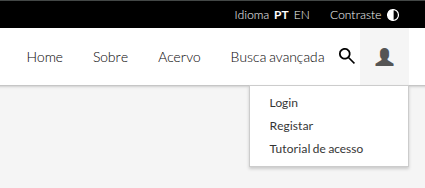
To create your user, click Register
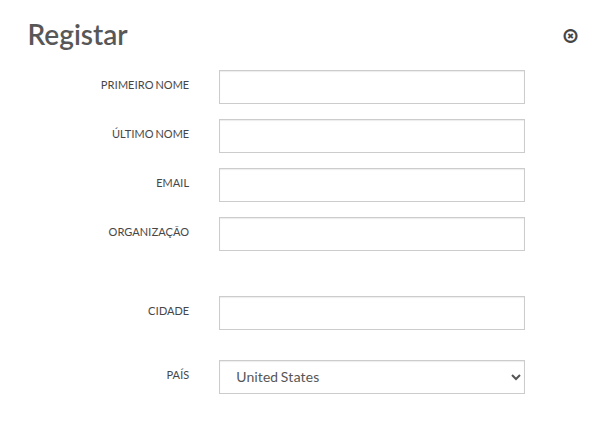
Fill in the registration form fields with your details.
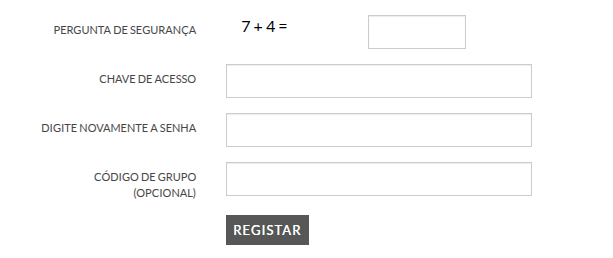
At the end of the registration form, answer the security question, create an access key, repeat the password and click the Register button.
Enter your user area
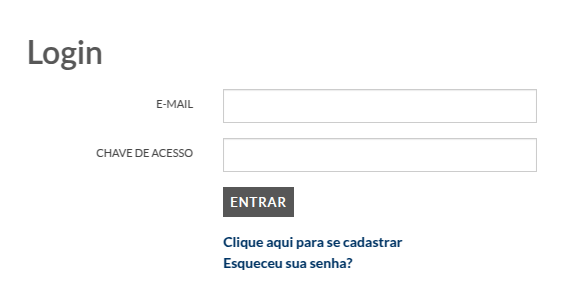
To access your user area, click on Login
Fill in your registered email and access code and click the Enter button.